
Generate and Autofill Stock Photo Metadata — In Just a Few Clicks
Automatically generate and autofill titles, descriptions, and keywords directly inside stock contributor platforms. No copy‑paste. No switching tools.
Free to install · No credit card · Works with Getty Images, Adobe Stock & Shutterstock
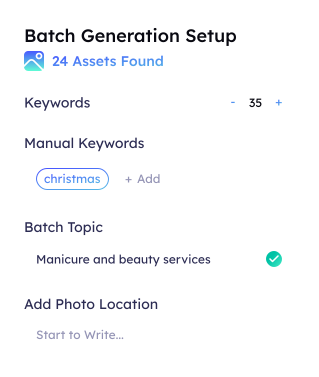

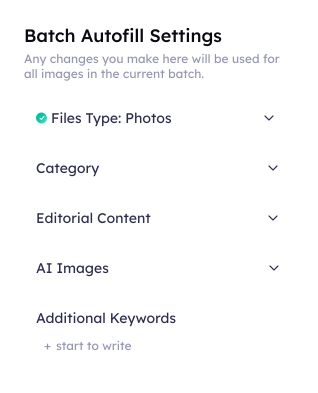





The Fastest Way to Add Metadata — Without Leaving Your Upload Page
Add optimized titles, descriptions, and keywords directly inside stock platforms. No copy-paste. No switching tabs. Just select your batch and let Fylio handle the rest.
Open your contributor upload page
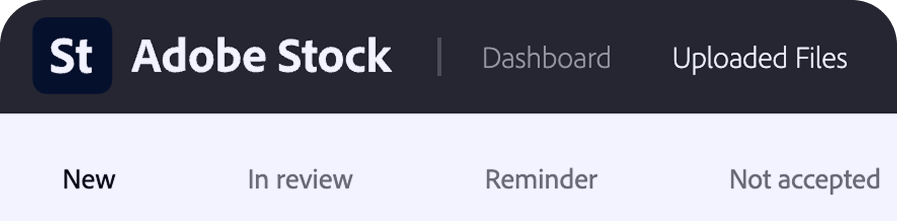
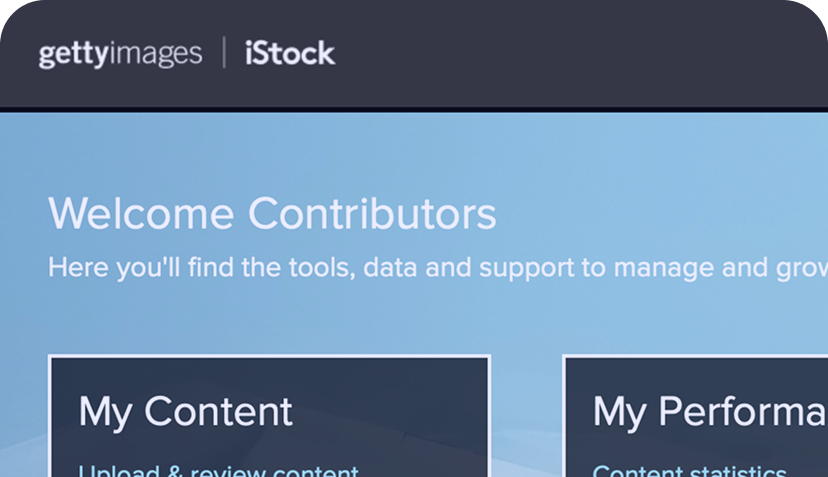
Works directly on Adobe Stock, Getty Images, and Shutterstock.

- Step 1
Open your contributor upload page
Works directly on Adobe Stock, Getty Images, and Shutterstock.
- Step 2
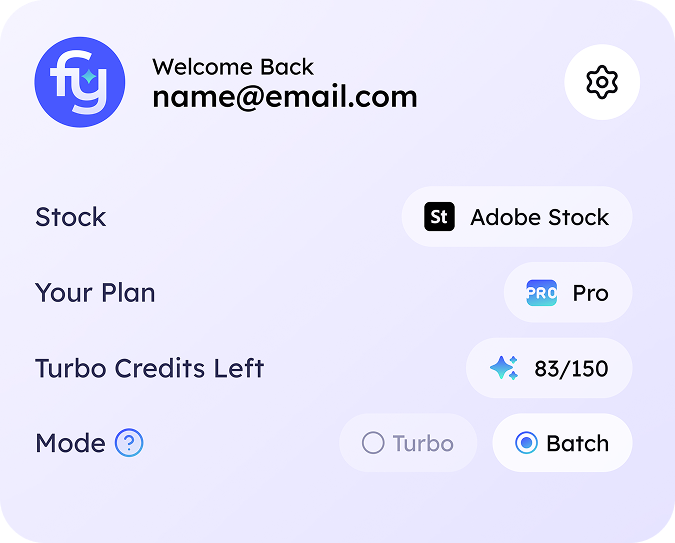
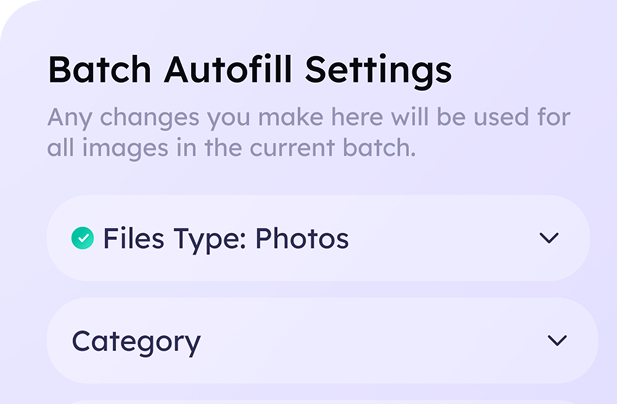
Choose how you want to generate metadata
Single files or batches, with basic or advanced settings.
- Step 3
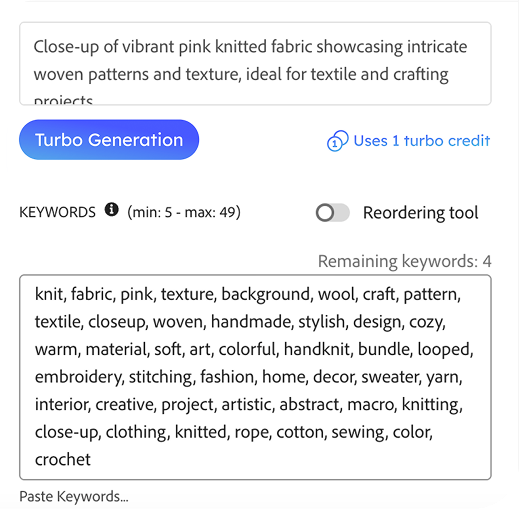
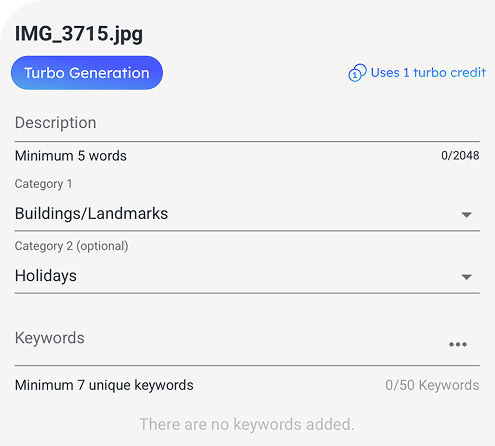
Autofill metadata
Titles, descriptions, and keywords are filled in your upload form.

- Step 4
Review, adjust, and submit
Edit if needed, then send your uploads for platform review.
Losing to competitors with better metadata
Uploading slowdown killing your productivity
Losing to competitors with better metadata
Uploading slowdown killing your productivity
Losing to competitors with better metadata
Uploading slowdown killing your productivity
Losing to competitors with better metadata
Uploading slowdown killing your productivity
Can’t scale your stock photography business
Burnout from tedious manual work
Can’t scale your stock photography business
Burnout from tedious manual work
Can’t scale your stock photography business
Burnout from tedious manual work
Can’t scale your stock photography business
Burnout from tedious manual work
Everything You Need to Upload Faster And More Efficient

Instant Autofill
Metadata appears directly in upload forms—no copying, pasting, or extra steps.

SEO-Optimized Metadata
Descriptions and keywords Metadata engineered to rank higher in stock searches.

Smart Speed
Instant results when you need them, efficient bulk processing when you don’t.


Process Anything
Handle one image or hundreds with the same effortless workflow.

Full Control
Edit, tweak, or approve AI-generated content before it goes live.

Your Content Stays Yours
 No resale of your images
- No reuse of your metadata
- Secure processing
- Built specifically for contributors
Choose the Plan That Matches Your Upload Volume
Free Trial
Test the workflow with limited credits. No commitment.
Light
For active contributors who upload regularly and need speed at scale.
- Keyword Count Control
- Automated Field Selection
- Pre-set categories, content type, AI label, etc.
Pro
Most PopularFull control, advanced optimization, and higher limits for portfolio growth.
- Enhanced Description Configuration
- Topic, Location & Keyword Input
- Automated Categories Detection
Frequently Asked Questions
Answers to the most common questions about pricing, features, and how the extension works.
What platforms does the extension support?
Fylio currently supports Getty Images / iStock, Adobe Stock, and Shutterstock contributor workflows. Fylio detects the supported platform automatically when you open its upload page.
What is the difference between Batch Generation and Turbo Generation?
Batch Generation processes large sets of images (up to 300 at once) using an optimized queue — perfect for bulk uploads. Turbo Generation gives you instant, real-time results for individual images when you need metadata immediately. Both generate the same high-quality titles, descriptions, and keywords.
Can I change my plan later?
Yes! You can upgrade or downgrade your plan at any time. When you upgrade, you get immediate access to the higher limits. When you downgrade, your current plan stays active until the end of the billing period.
Do unused credits roll over to the next month?
Monthly plan credits reset each billing cycle. However, credit packs purchased separately never expire — they stay in your account until used.
Can I edit the generated metadata?
Absolutely. Fylio gives you full control. You can review, edit, and approve all generated titles, descriptions, and keywords before autofilling them into the upload form. Nothing is submitted without your approval.