


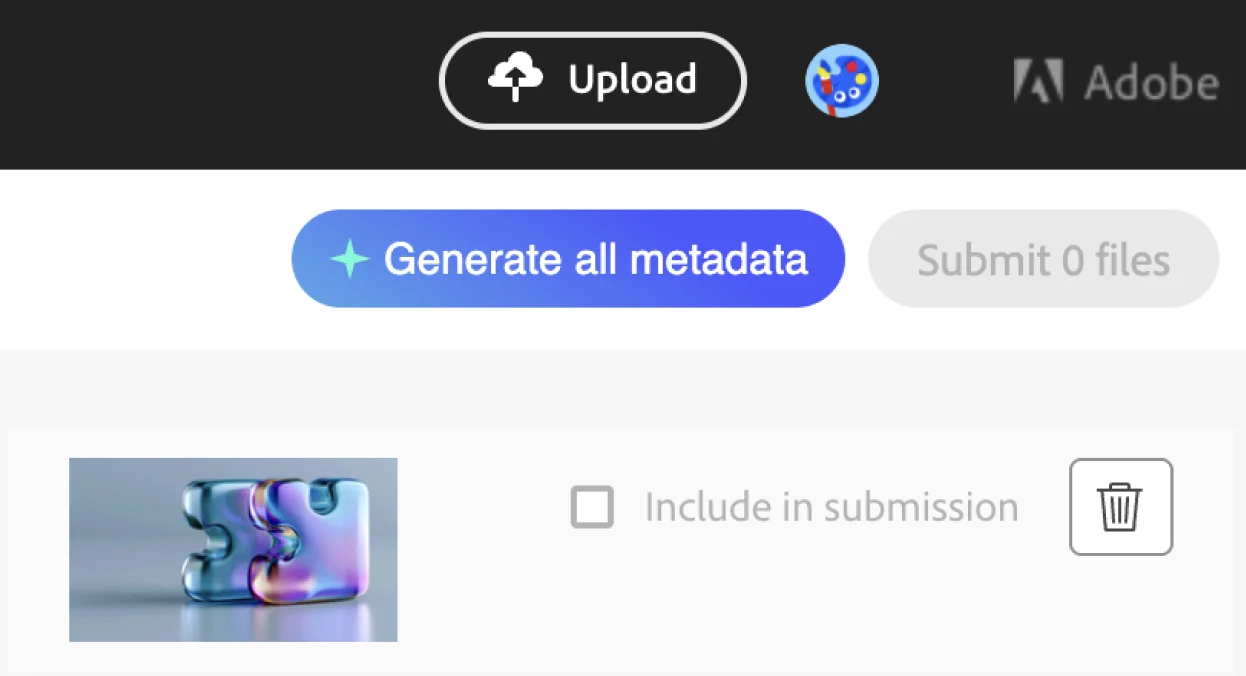
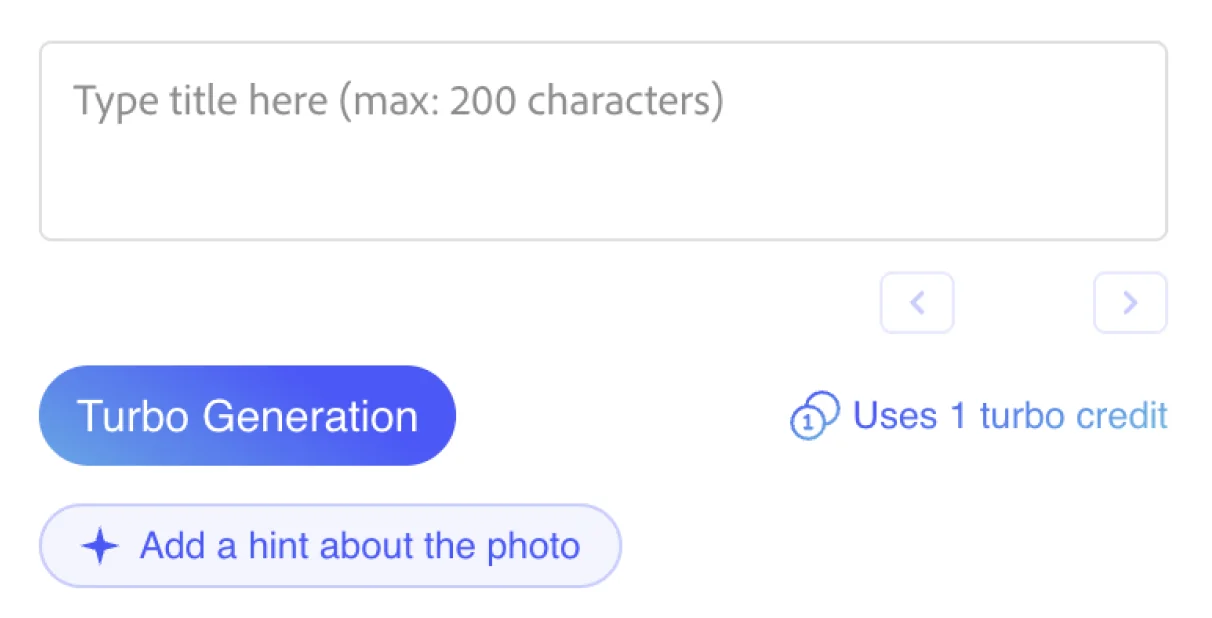
In-page autofill
Metadata lands in Adobe’s own form — no separate app, no CSV juggling, no copy-paste.
Generate Adobe Stock titles, descriptions and keywords — and autofill them straight into your upload page.
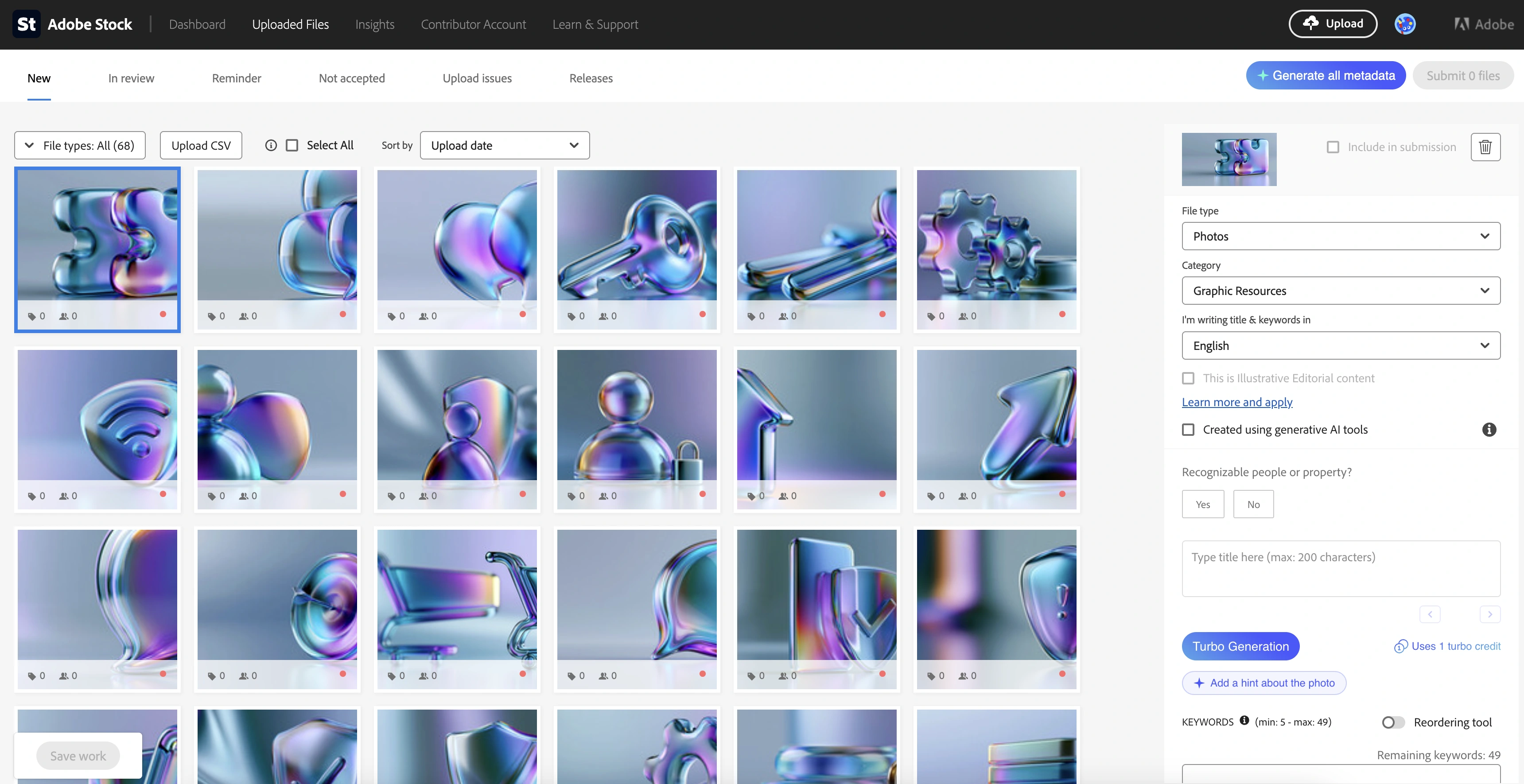
An Adobe Stock metadata generator creates the title, description and keywords that make your image findable in Adobe Stock search.
Adobe allows up to 49 keywords per asset, and the earliest keywords carry the most weight, so relevance and order matter more than filling every slot.
Writing this by hand for a large batch is the slowest part of contributing: a set of 100 photos can mean hours of typing near-identical titles, descriptions and keyword lists. Fylio removes the typing while keeping you in control of the result.
Fylio runs inside your Adobe Stock contributor page. Four steps, without leaving Adobe Stock.
Upload your images to Adobe Stock as usual, click the Fylio icon, and it shows how many assets it found (for example, “58 Assets Found”). Pick how many keywords you want, up to Adobe’s limit of 49.
Click Generate metadata. Fylio reads your thumbnails and produces a title, description and ranked keywords for each. A batch of 100–300 assets typically finishes in 5–15 minutes, and keeps running even if you close the tab.
Set batch-wide options: file type, category, whether the content is AI-generated, and any extra keywords. On Pro, Advanced Settings let you add a batch topic, shoot location and manual keywords to guide the AI.
Fylio fills Adobe Stock via CSV import — the whole batch at once. You review each field, edit anything, and click submit yourself.
Metadata lands in Adobe’s own form — no separate app, no CSV juggling, no copy-paste.
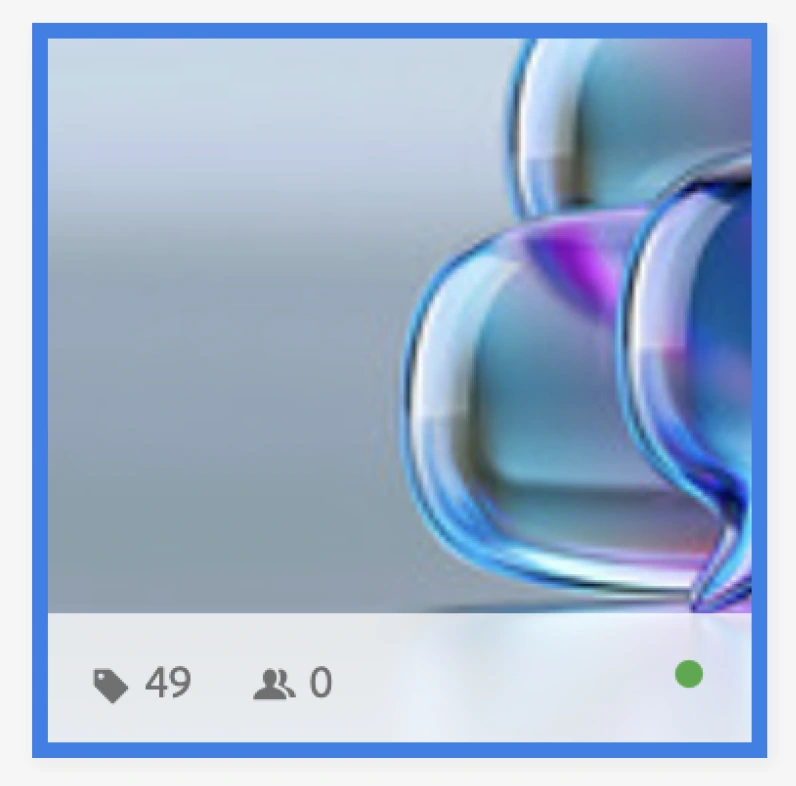
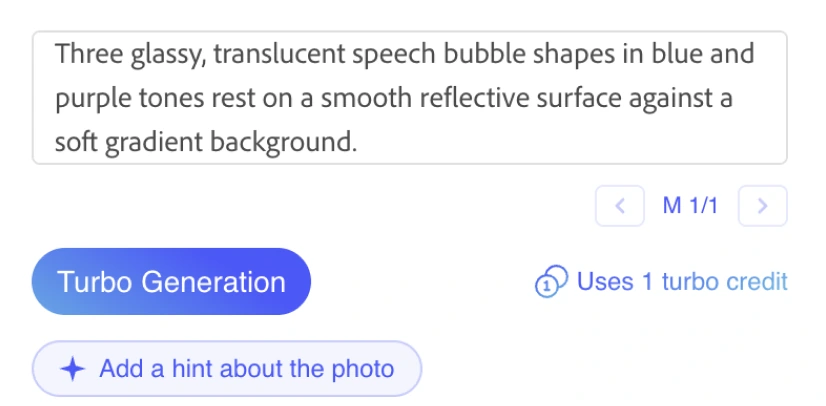
Every title, description and keyword is reviewable and editable before you submit.
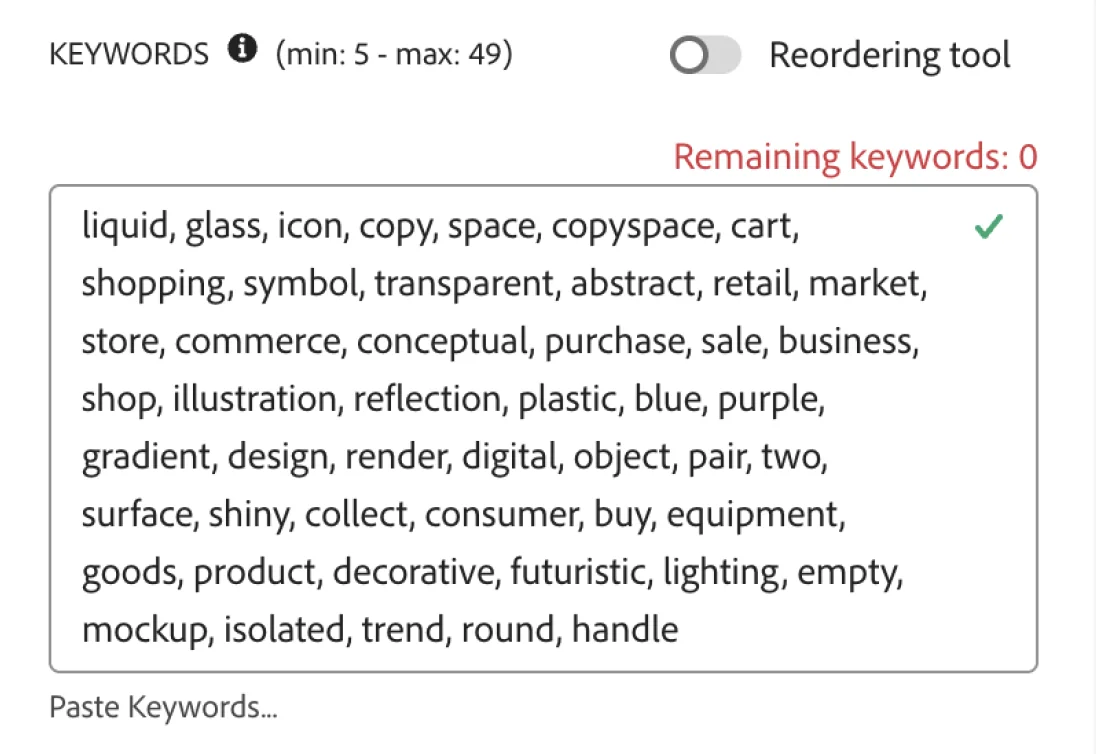
Terms are ordered by relevance for Adobe’s first-keyword weighting, not dumped in randomly.
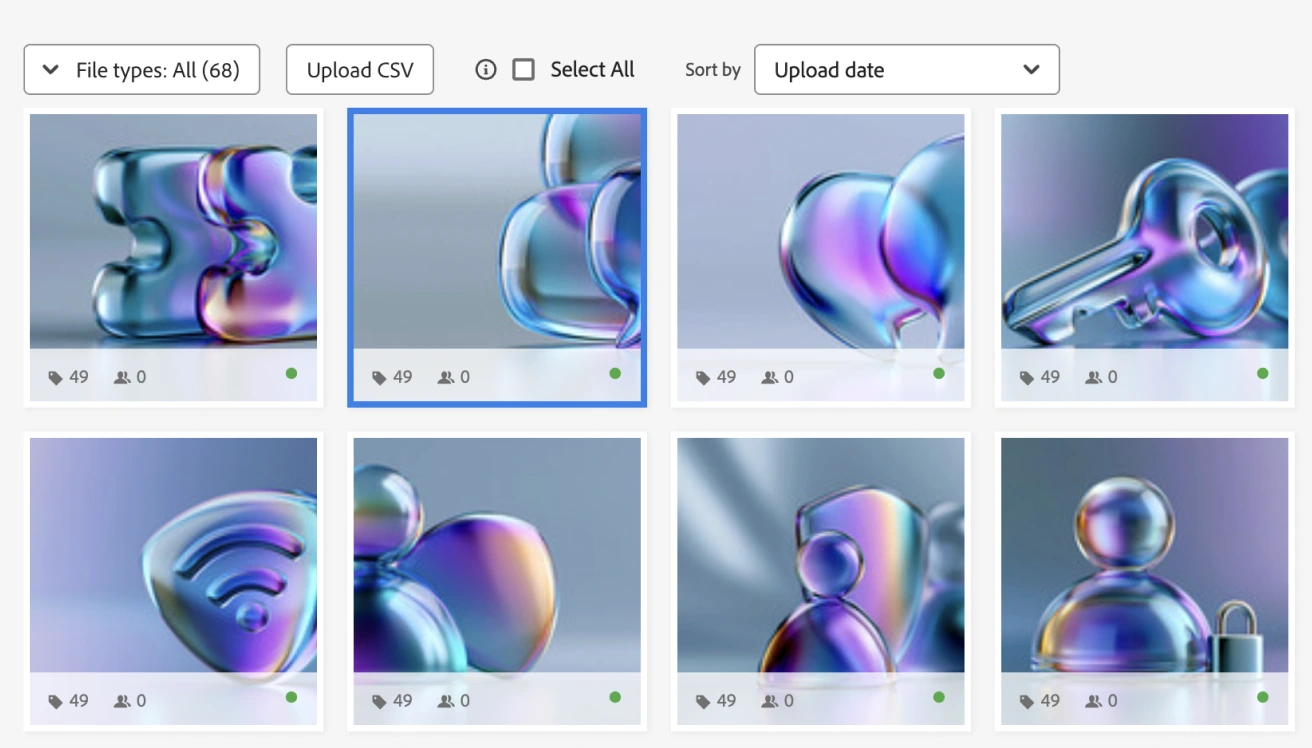
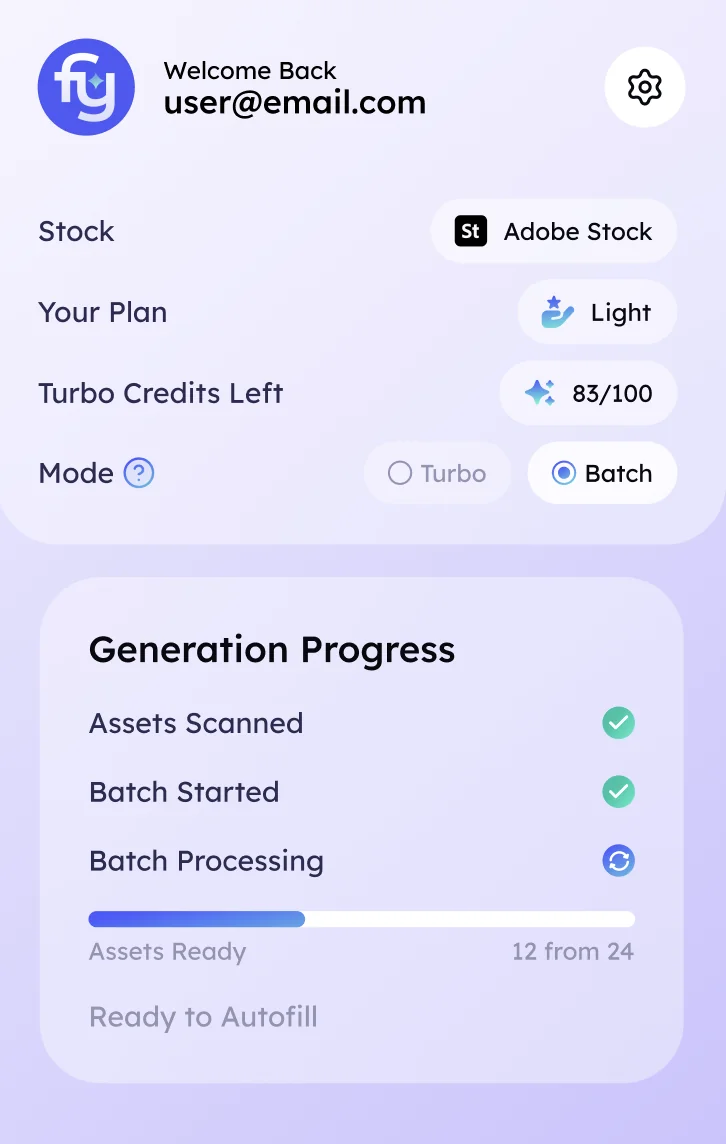
A batch that took an afternoon of typing is generated while you do something else.

who upload regularly and want keywording time back without losing control.

who aren’t sure how to write titles or which keywords buyers search, and want a reviewable starting point.

selling in volume, where metadata — not generation — is the throughput limit.

Fylio fills form fields, but it does not approve, bulk-upload, or submit assets for you.

Every title, description, and keyword stays editable before you send anything to Adobe.

Your images and metadata are not resold, reused, or shared as a content library.

Autofill helps with repetitive field work while you keep the final decision.
Test the workflow with limited credits. No commitment.
For active contributors who upload regularly and need speed at scale.
Full control, advanced optimization, and higher limits for portfolio growth.
You can keyword manually or paste from a chatbot. Here’s how those compare with Fylio for a regular Adobe workflow.
 FylioFylioBuilt for Adobe batch uploadsFylioWhole batch at onceFylioDirect in-page autofillFylioAutomatically orderedFylioFull control before submitFylioHighFylio~5–10 minutesFylioRegular contributors
Fylio removes the repetitive Adobe upload work: generating metadata, keeping keywords ordered, letting you review everything, and filling the form directly for the batch.
Everything you need to know before using Fylio for Adobe Stock uploads — from keyword limits to autofill and review control.
A tool that creates the title, description and keywords an Adobe Stock image needs to be found in search. Fylio generates them with AI and fills them into your upload form, where you review and submit yourself.
Up to 49 per asset. The earliest keywords carry the most weight, so relevance and order matter more than reaching the maximum.
No. It fills the metadata into the form. You review every field and click submit yourself. It’s an assist, not a hands-off uploader.
Yes. Every field can be reviewed and edited before it’s applied. Nothing is submitted without your approval.
Fylio fills fields you then review and submit yourself, which differs from bulk or automated uploading. Check Adobe’s current contributor guidelines, since rules can change.
No. The free trial includes 20 photos of batch generation, no card.